

Complete a Review Task
Last Updated: Version R2510If a Review task is a required step in the batch process flow, the task appears in the Work Queue. Note that only users who have been assigned as a Reviewer for this Batch Type can perform the review. To complete the Review stage, click View.
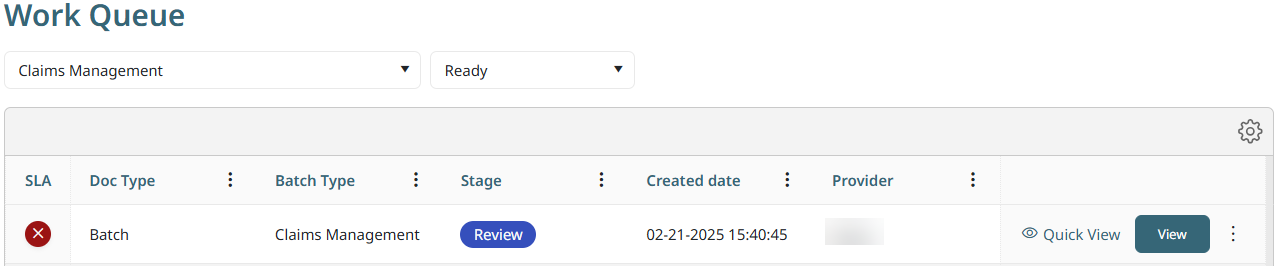
The Review stage allows you to check all details in the documents such as batch fields, batch naming, etc. All features originally available on the New Batch screen are available on this screen also.
If permission is granted for this batch type, you can also classify and assemble the documents. As you select a document in the batch, it is loaded into the preview screen. You can use the Ellipses button on the right to view options to replace, insert, delete, change page order, etc. You can use the Ellipses button on the bottom to insert pages, or split documents.
If permission is granted for this batch type, you can also classify and assemble the documents.
You can also: 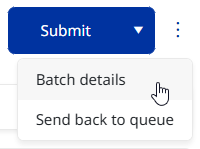
-
View Batch details: This option on the Ellipses menu launches the Batch Details screen to provide full details about the batch submission, including the Operator who submitted the batch.
-
Send back to queue: This option on the Ellipses menu closes the batch without proceeding or applying any changes.
-
Click Submit to send the batch to the next stage in the process flow. If you reject the task, the result depends on how the Designer has established the process flow..